
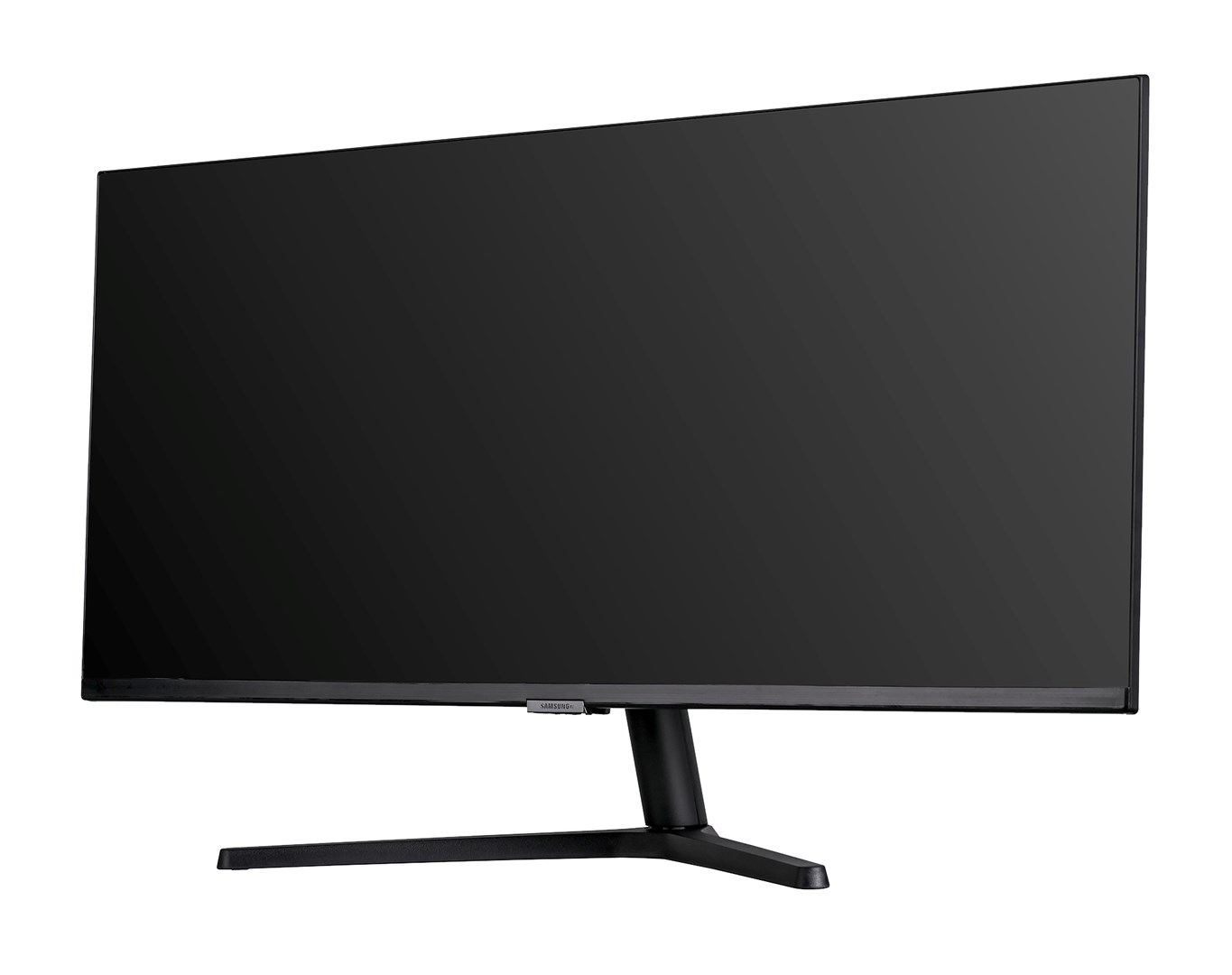
Samsung S50GC Monitor Black
Samsung S50GC Monitor is a monitor for work, entertainment and everyday screen use. It gives applications and content a dedicated viewing space for a more comfortable desktop setup.
Characteristics
Screen size
34 in
Screen resolution
3440x1440 pixels
Panel type
VA
Maximum refresh rate
100 Hz
Video connectivity
["HDMI 2.0 x2","DisplayPort 1.2 x1"]
Energy efficiency class (SDR)
G
Colour
Black
Design | Product colour
Black
Design | Market positioning
Consumer
Design | Feet colour
Black
Design | Detachable stand
Yes
Power | Power consumption (off)
0.3 W
Power | AC input voltage
100 - 240 V
Power | Energy consumption (HDR) per 1000 hours
50 kWh
Power | Energy consumption (SDR) per 1000 hours
32 kWh
Power | Power consumption (typical)
32 W
Power | Power consumption (standby)
0.5 W
Power | External power adapter
Yes
Power | Annual energy consumption
47 kWh
Power | Power supply type
External
Operational conditions | Operating temperature (T-T)
10 - 40 °C
Operational conditions | Operating relative humidity (H-H)
10 - 80%
Weight & dimensions | Width (with stand)
815.3 mm
Weight & dimensions | Weight (without stand)
4.2 kg
Weight & dimensions | Width (without stand)
815.3 mm
Weight & dimensions | Height (with stand)
457.7 mm
Weight & dimensions | Depth (with stand)
221.3 mm
Weight & dimensions | Height (without stand)
359.8 mm
Weight & dimensions | Depth (without stand)
36.4 mm
Weight & dimensions | Weight (with stand)
4.9 kg
Network | Ethernet LAN
No
Network | Wi-Fi
No
Performance | AMD FreeSync
Yes
Performance | Game mode
Yes
Performance | Windows operating systems supported
Windows 10
Performance | Flicker-free technology
Yes
Performance | NVIDIA G-SYNC
No
Packaging data | Package weight
6.8 kg
Packaging data | Package height
434 mm
Packaging data | Package width
944 mm
Packaging data | Package type
Box
Packaging data | Package depth
150 mm
Packaging content | Stand included
Yes
Packaging content | Cables included
HDMI
Packaging content | Power adapter included
Yes
Packaging content | Power cable length
1.5 m
Packaging content | Installation CD
Yes
Display | Native aspect ratio
21:9
Display | Display diagonal
86.4 cm (34")
Display | LED backlight
No
Display | Display brightness (typical)
300 cd/m²
Display | Display resolution
3440 x 1440 pixels
Display | Viewable size, horizontal
79.7 cm
Display | Display diagonal (metric)
86 cm
Display | Display technology
LCD
Display | High Dynamic Range (HDR) technology
High Dynamic Range 10 (HDR10)
Display | Colour gamut
72%
Display | Response time measurement type
GTG (Gray to Gray)
Display | Colour gamut standard
NTSC
Display | Viewing angle, vertical
178°
Display | Screen shape
Flat
Display | Touchscreen
No
Display | Viewable size, vertical
33.4 cm
Display | Contrast ratio (typical)
3000:1
Display | High Dynamic Range (HDR) supported
Yes
Display | Response time
5 ms
Display | HD type
UltraWide Quad HD
Display | Viewing angle, horizontal
178°
Display | Display number of colours
1.07 billion colours
Multimedia | Built-in speaker(s)
No
Multimedia | Built-in camera
No
Multimedia | Built-in microphone
No
Ergonomics | Tilt angle range
-2 - 22°
Ergonomics | Tilt adjustment
Yes
Ergonomics | On Screen Display (OSD)
No
Ergonomics | VESA mounting
Yes
Ergonomics | Panel mounting interface
100 x 100 mm
Ergonomics | Picture-in-Picture
Yes
Ergonomics | Height adjustment
No
Ports & interfaces | Headphone out
Yes
Ports & interfaces | HDMI
Yes
Ports & interfaces | HDCP
Yes
Ports & interfaces | HDMI version
2.0
Ports & interfaces | HDMI ports quantity
2
Ports & interfaces | DisplayPorts quantity
1
Ports & interfaces | DisplayPort version
1.2
Ports & interfaces | Built-in USB hub
No
Ports & interfaces | HDCP version
2.2
Other features | Adaptive picture
Yes
Other features | Off Timer Plus
Yes
Other features | Samsung Eye Saver Mode
Yes
Other features | Digital signal format system
Not supported
Other features | Eco Saving Plus
Yes
Other features | Picture-by-Picture (PbP)
Yes
Safety warning | Warnings
Do not disassemble the monitor casing to avoid risk of electric shock., Unplug the monitor from the power source before cleaning., Place the monitor on a flat and stable surface to avoid tipping and damage.
You may also like
-
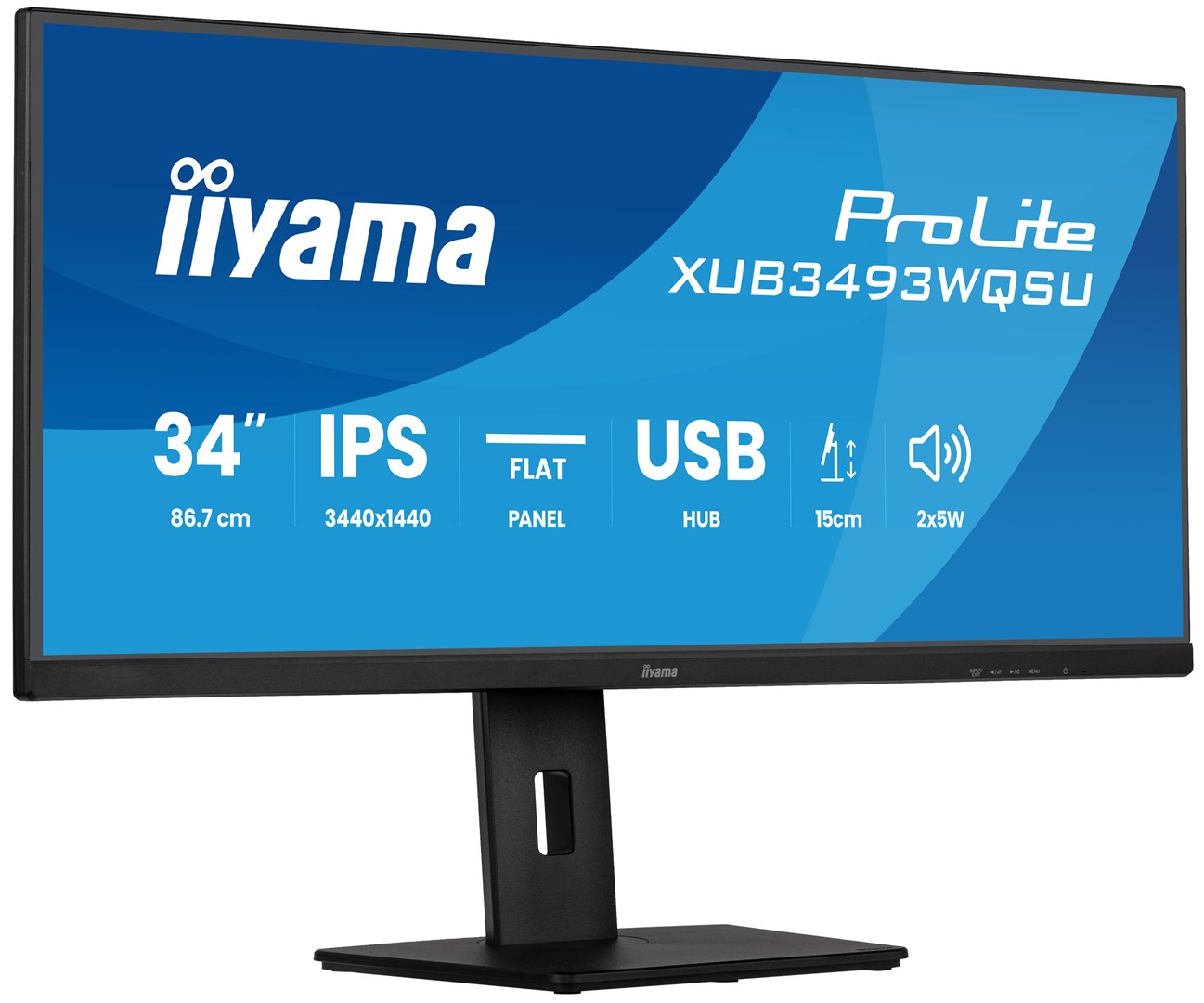
iiyama ProLite XUB3493WQSU-B6 Monitor Black
320,61 € (VAT included)Add to cart -
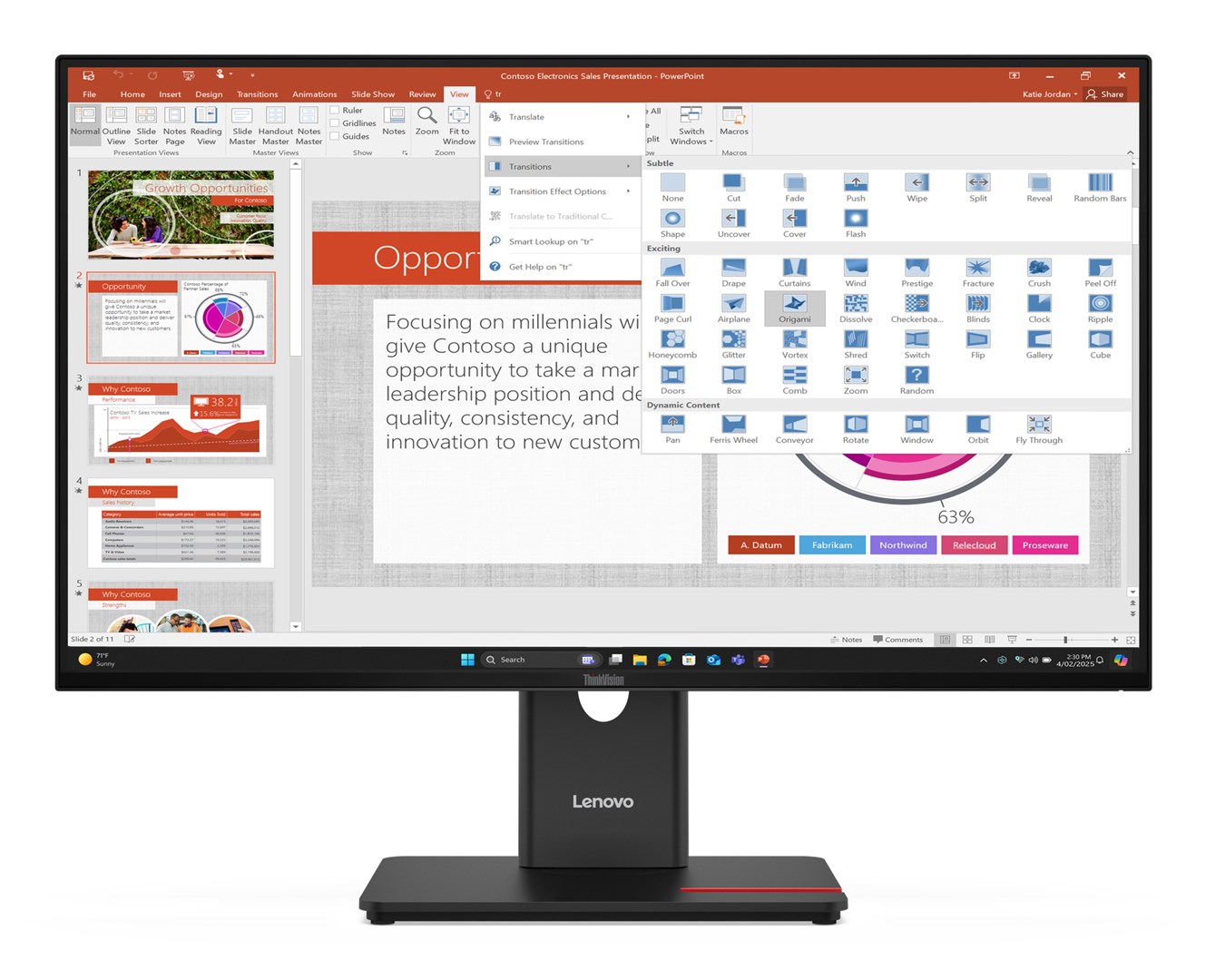
Lenovo ThinkVision T27-40 Monitor
169,09 € (VAT included)Add to cart -
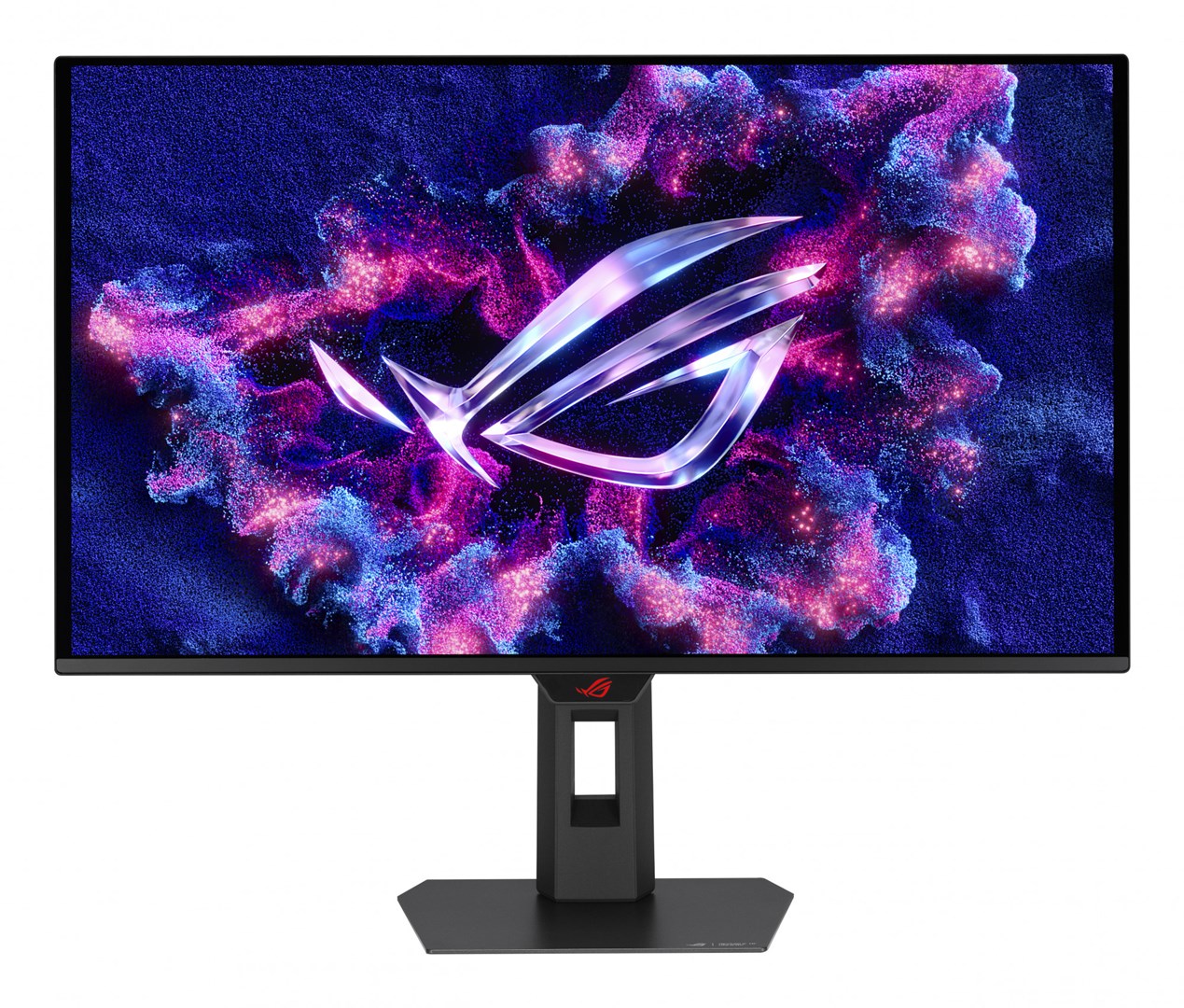
ASUS ROG Strix QD-OLED XG27ACDMS Gaming Monitor
587,72 € (VAT included)Add to cart -
iiyama XUB2595WSU-B5 LED Monitor
212,70 € (VAT included)Add to cart -
ASUS TUF Gaming VG27AQL5A Monitor Black
223,81 € (VAT included)Add to cart
Recently viewed
-
iiyama ProLite XUB3493WQSU-B6 Monitor Black
320,61 € (VAT included)Add to cart -
Lenovo ThinkVision T27-40 Monitor
169,09 € (VAT included)Add to cart -
ASUS ROG Strix QD-OLED XG27ACDMS Gaming Monitor
587,72 € (VAT included)Add to cart -
iiyama XUB2595WSU-B5 LED Monitor
212,70 € (VAT included)Add to cart -
ASUS TUF Gaming VG27AQL5A Monitor Black
223,81 € (VAT included)Add to cart
Do you have any questions?
Leave a request and we will contact you.